If your paperwork is open, the job isn't closed

A completed HVAC job doesn't count as finished until the paperwork makes it back to the office, and by then it's been sitting in a truck, gotten smudged, and needs someone to type it in twice. GoFormz cuts that step out entirely. Techs fill out the exact work orders, service reports, and inspection checklists they already use, on a phone or tablet, whether they're in a basement, on a rooftop, or somewhere with no cell service at all. The second a form is submitted, it can land directly in your accounting system, your FSM, or a customer's inbox, complete with photos, a signature, GPS, and a timestamp attached.

Proven in the Field

Close the gap, change the game

For HVAC crews, a missed signature or lost proposal isn't just a paperwork problem. It can delay billing or cost the business a sales opportunity.

Faster Job Visibility
Up to three weeks → Real-time
Before GoFormz, field data could take up to three weeks to reach the Dave Jones office. Now, completed checklists reach project managers automatically, in real time.

Data Capture Anywhere
Online forms → Offline forms
Paramount's old paper forms could lose job data whenever a technician lost signal. With GoFormz, technicians save data offline and it syncs automatically once connectivity returns.
Process Speed
40-minute process → Under 10 min
Boland cut a 40-minute process to less than 10 minutes, and dispatches forms prefilled with Salesforce data to eliminate manual data entry into Salesforce records.
Membership Growth
7,000 members → 13,000 members
Online shareable forms helped HELP Home Services nearly double membership over three years, which resulted in 86% membership growth.
The Problem

Finishing the job doesn't
close the job

Field crews are focused on the work. But when job paperwork is stuck on a clipboard or in the truck, the office can't process it or move it into billing. Customers may need proof before they pay. Delayed billing can create cash-flow pressure. Late proposals can lead to lost sales. HVAC runs on truck rolls, tech hours, and thin margins. Paperwork that lags behind the job isn't just an inconvenience; it eats into all three.

Replace existing paper proposals, inspection checklists, and service reports with familiar digital versions that technicians can complete on a device

Same exact forms, but with better data

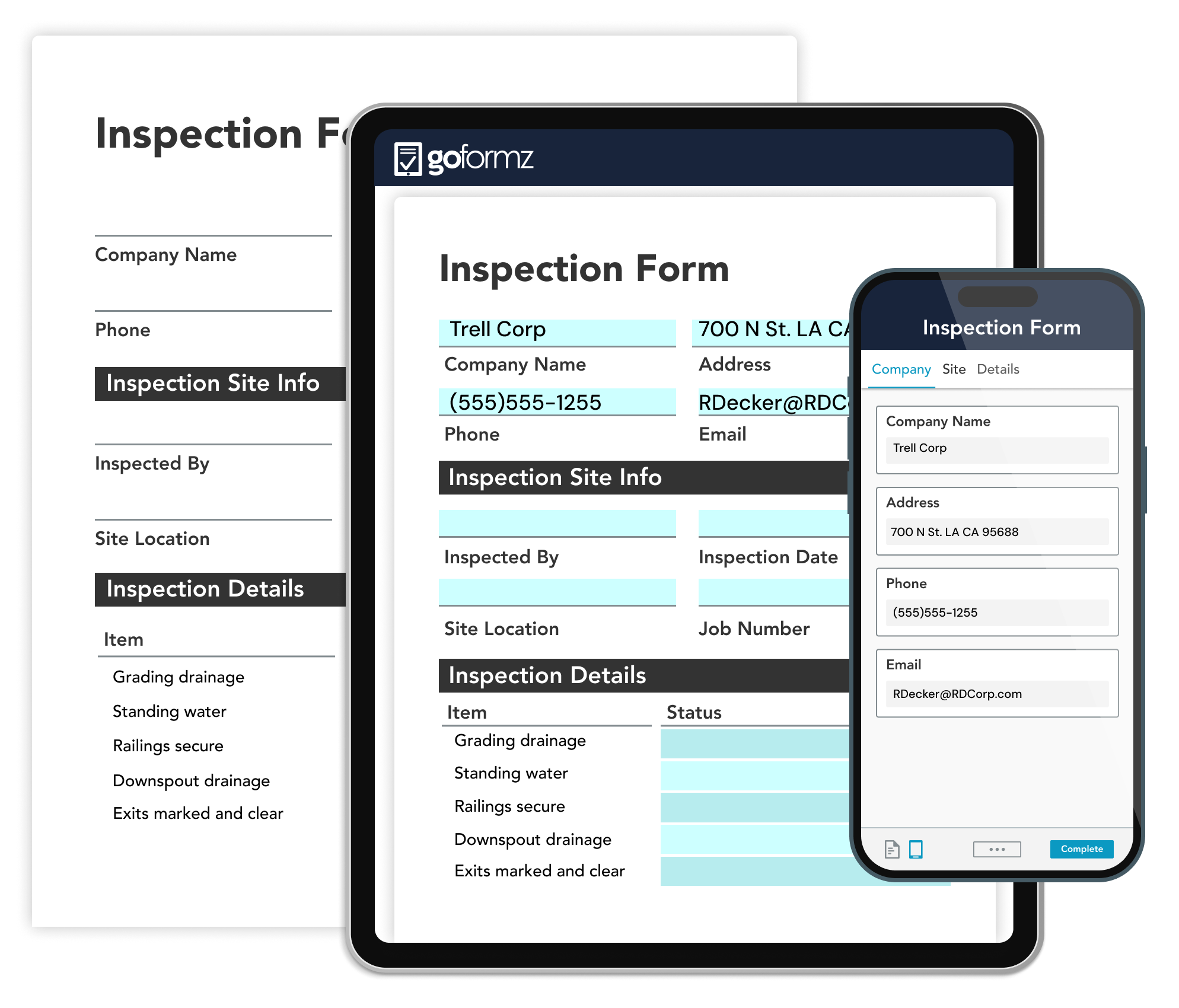
GoFormz preserves the familiar formatting of your existing forms — the same layout, fields, and workflow your teams already recognize — and makes those forms available on phones, tablets, and computers. Teams don't have to abandon the documents that already support their work. Instead, they can add required fields, calculations, conditional logic, data sources, and automated routing to improve the quality and speed of data capture.

Learn more about our form builder

GoFormz has been helpful because we receive PDF forms that our customers need us to follow and fill out. So we can use GoFormz to create templates and then have our technicians complete those without having to redo an entire form.

Ruzwa Cooper — President, Cooper Oates Air Conditioning
Work orders and service forms prefilled with customer, equipment, and job history data pulled from Salesforce, an FSM, or a technician's last visit

Show up to the job with the paperwork already half done

Customer information, equipment details, and job history rarely change from one visit to the next, so technicians shouldn't have to type them in every time. GoFormz can prefill work orders and service forms with data pulled from Salesforce, your FSM, or a technician's last visit to that site, so the form is already mostly filled out before the truck arrives. Techs confirm what's already there, add what's new, and move on to the next job.

Learn how to prefill forms
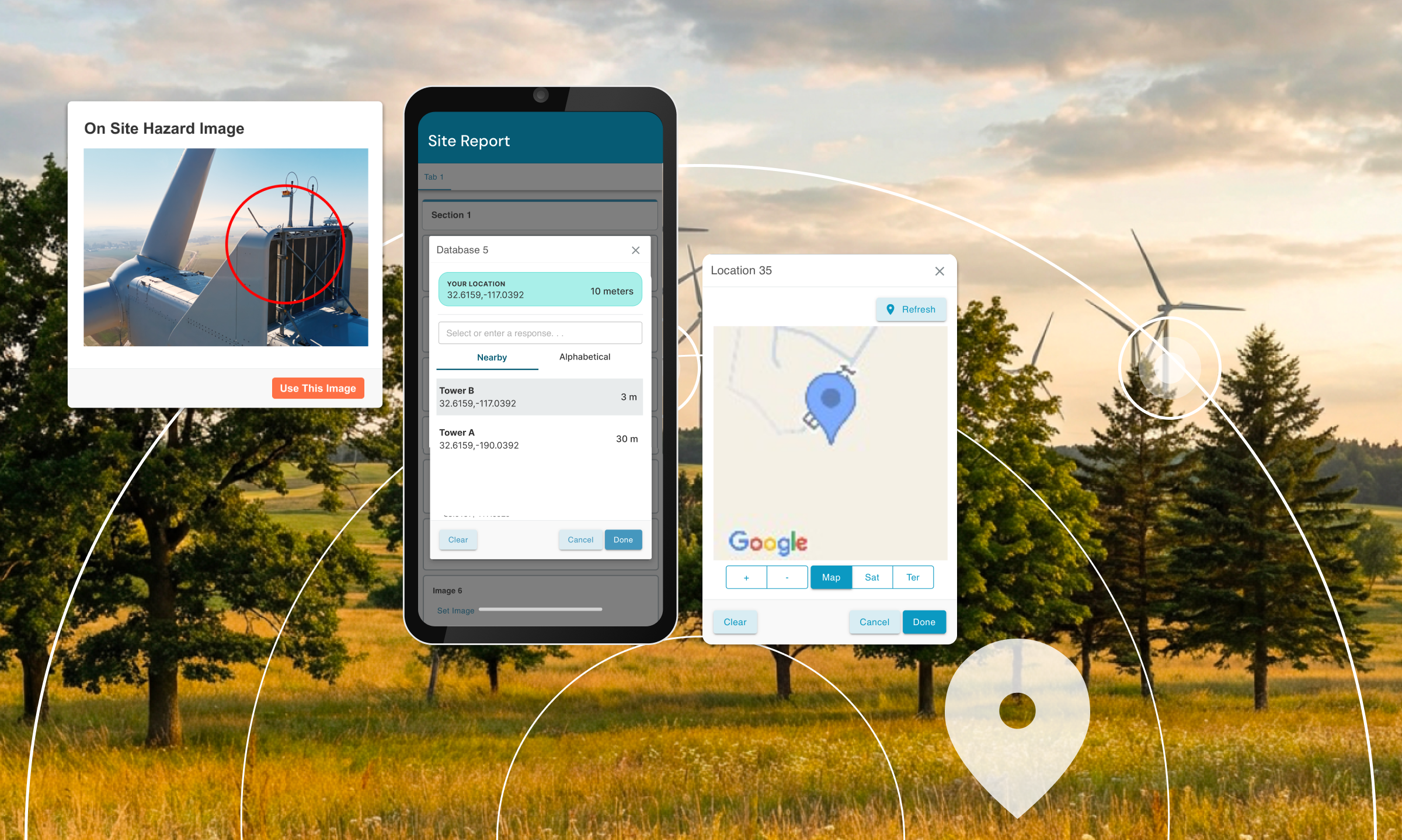
Capture photos, GPS coordinates, signatures, audio, and barcode data from a basement, rooftop, or remote location using offline-capable forms

Capture the job wherever it takes you, even offline

GoFormz enables crews to continue working when connectivity is spotty or unavailable, including in basements, crawl spaces, rooftops, and rural areas. Technicians can complete and save forms offline. When connectivity returns, the data can sync to GoFormz for processing and routing. Teams can capture rich job information such as photos, signatures, GPS coordinates, timestamps, audio, and barcode data.

Learn about offline data capture
Customers

Trusted by HVAC teams across the globe

HVAC service organizations such as Güntner, Dave Jones, Boland, Paramount Heating & Air, Logan A/C & Heat Services, and Indutrec use GoFormz to capture field data and reduce time spent chasing paperwork.

Explore our customer case studies
75%
Faster Processes
$500,000
Equipment Damage Charges Avoided
1000s
Of Hours Saved
Compliance & Documentation

Stop disputes before
they start

When a dispute surfaces or an auditor requests documentation, your team needs a complete and accessible record of the work performed. GoFormz helps HVAC teams create timestamped, photo-backed records of service visits, installations, inspections, and refrigerant-handling activities. When a manufacturer questions a warranty claim or an inspector requests installation documentation, your team can retrieve the relevant record instead of reconstructing it from paperwork, messages, and memory.

  • Capture required permit and inspection signatures for new installations
  • Log service visits and work performed under service agreements and maintenance plans
  • Support EPA Section 608 recordkeeping for refrigerant handling and recovery
  • Record model and serial numbers, installation photos, and customer signatures
  • Route completed documentation to customers, managers, and storage systems
  • Maintain accessible records for warranty, compliance, and billing questions
Build your audit trail
Defensible HVAC documentation with signatures, permits, visit logs, installation photos, equipment details, and refrigerant-handling records
Integrations

The job wraps in the field. The invoice goes out the same day.

Once a technician submits a form, GoFormz can hand the data off automatically: an updated record in Salesforce, a new invoice drafted in Acumatica, a signed PDF filed to Box, without anyone re-entering it by hand. For your team, that means paperwork stops piling up in someone's inbox waiting for data entry, and billing doesn't wait on the drive back to the office.

Check out our integrations
Microsoft Power Automate Salesforce Acumatica Box
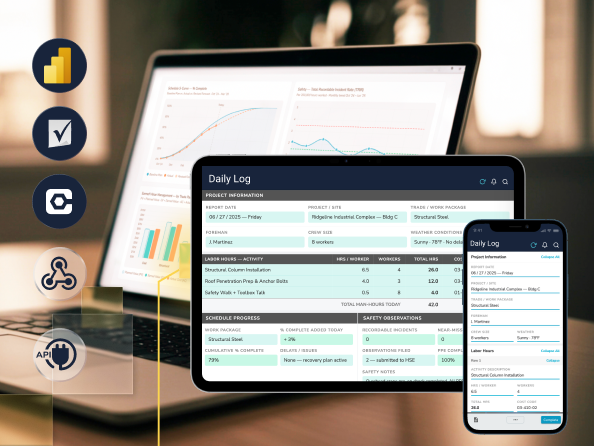
A tablet displaying a completed HVAC work order with photos, a signature, and job details captured in the field

What happens in the field stays in the record

A photo of the equipment before the repair, and one after. The nameplate and serial number, captured on site instead of copied down later. A sketch of the ductwork or layout. A signature collected at the door, and the GPS coordinates and timestamp proving when the tech was actually there. That's the record GoFormz builds automatically as the job happens. If a warranty claim, an installation, or an invoice gets questioned later, your team pulls up the documentation instead of trying to remember how the job went.

Learn more about our product
HVAC Use Cases

Measurable results across
HVAC operations

See how leading HVAC organizations use GoFormz to capture the job in the field and eliminate manual paperwork.

Boland

See how a leading commercial provider of energy-efficient HVAC systems cut a 40-minute process to less than 10 minutes. Boland also uses GoFormz to dispatch forms prefilled with Salesforce data and eliminate manual entry into Salesforce records.

Dive into the case study

Logan A/C & Heat Services

See how this residential HVAC provider uses GoFormz to reach more than 50 field employees without requiring them to stop working or return to the office to submit paperwork. According to Logan's Derrick Prueter, GoFormz has saved the organization "1,000s of hours."

See the customer story

Güntner

See how this global air-conditioning component manufacturer streamlined service calls and simplified field data capture by replacing paper documentation with digital GoFormz workflows.

Read the full success story
Request a Consultation

See GoFormz on your HVAC service forms

Let us show you how GoFormz can digitize your work orders, service reports, proposals, and inspection checklists, and move complete job information from the field into your existing business systems.

  • SOC 2 Type II
  • Works offline on supported mobile devices
  • Supports iOS, Android, Windows, and web workflows
  • Designed to work with your existing forms and systems
  • Onboarding and implementation support available

Book a Consultation

Select your approximate employee count to get started.

You're in the right place.

GoFormz equips small businesses to work smarter and grow faster. Get started free — no credit card required.

Almost there

We'll tailor the demo to your workflows.

First Name
Last Name
Work Email
Phone Number
Company
Industry

You're all set!

A GoFormz expert will reach out shortly to schedule your personalized demo.

FAQ

HVAC Operations FAQs: Your Questions Answered

Keep it. Your FSM handles scheduling, dispatch, and customer records well; that's not what's broken. What it usually can't do is replicate every service report, proposal, inspection checklist, or compliance form your team actually uses in the field. GoFormz handles that piece: your existing forms, digitized, with the completed data routed automatically into your FSM, your accounting system, and wherever else it needs to land. Nothing about how you schedule work changes. The paperwork just stops being paper.

What technicians actually resist is a new process, not a new screen. GoFormz keeps the same form they've always used, same layout, same fields, just on a device instead of a clipboard, with prefilled data and the math already done. Nobody has to drive back to the shop to hand in a stack of paper or spend an hour retyping what they wrote in the truck. The form looks the same. Only what happens after it's signed is different.

Yes. A customer signing off on a repair, a subcontractor closing out a job, an inspector who's never touched GoFormz before — none of them need a license. Public Forms puts a working form in front of anyone with a QR code or a link, and whatever they submit flows into the same workflows and storage as everything your own team fills out.

Yes, on supported devices. A technician can open a form, fill it out, attach photos, and save it with zero bars, whether that's a basement, a crawl space, or a job site an hour outside cell coverage. The moment the device picks up a signal again, everything syncs automatically; nothing gets lost waiting on connectivity.

Because billing doesn't have to wait for a piece of paper to physically get back to the office. The moment a tech submits a work order, everything the office needs to invoice — parts, labor, a signature, photos — is already there and can move straight into your billing process through GoFormz's workflows and integrations. A job that wraps up Tuesday morning can be invoiced Tuesday afternoon.

Yes. Every submitted form carries a timestamp, GPS location, photos, equipment details, and a signature, locked in at the moment the tech submitted it. So if a customer disputes a charge or a warranty claim comes into question months later, you're pulling up an actual record of what happened on site, not trying to piece it together from whoever remembers the job. The specific information captured depends on how your organization configures its forms and workflows.

Implementation time depends on the complexity of your forms, integrations, workflows, and approval requirements. Teams can begin by uploading an existing PDF or image and turning it into a digital form, or use our AI Template Form Builder. Simple workflows can be deployed quickly, while complex forms with integrations, calculations, conditional logic, or multi-step routing may require additional configuration and testing. Many organizations start with one high-impact workflow — such as a work order, service report, proposal, or inspection checklist — and expand after the initial process is working. Every team that signs up receives a dedicated onboarding team, and after deployment you'll always have access to our customer support team.